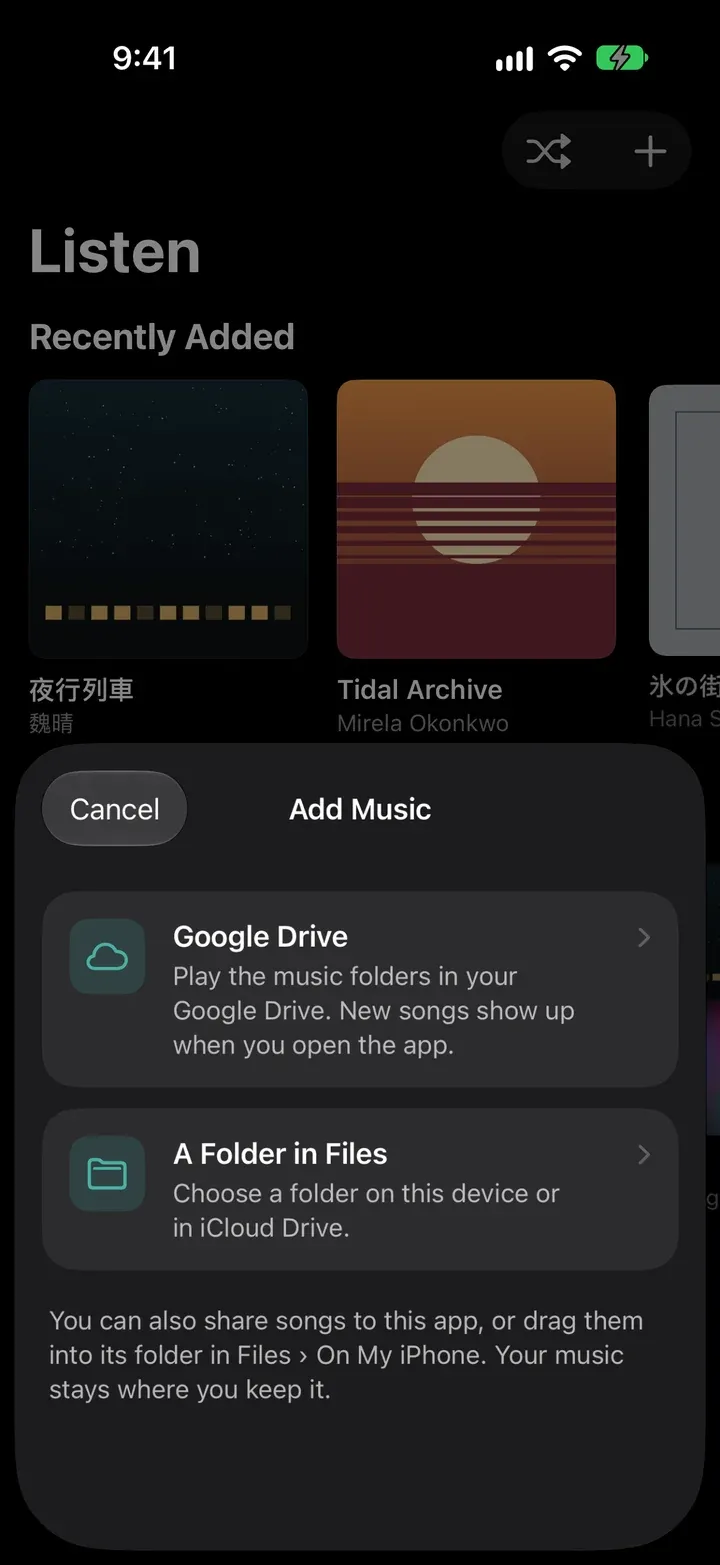
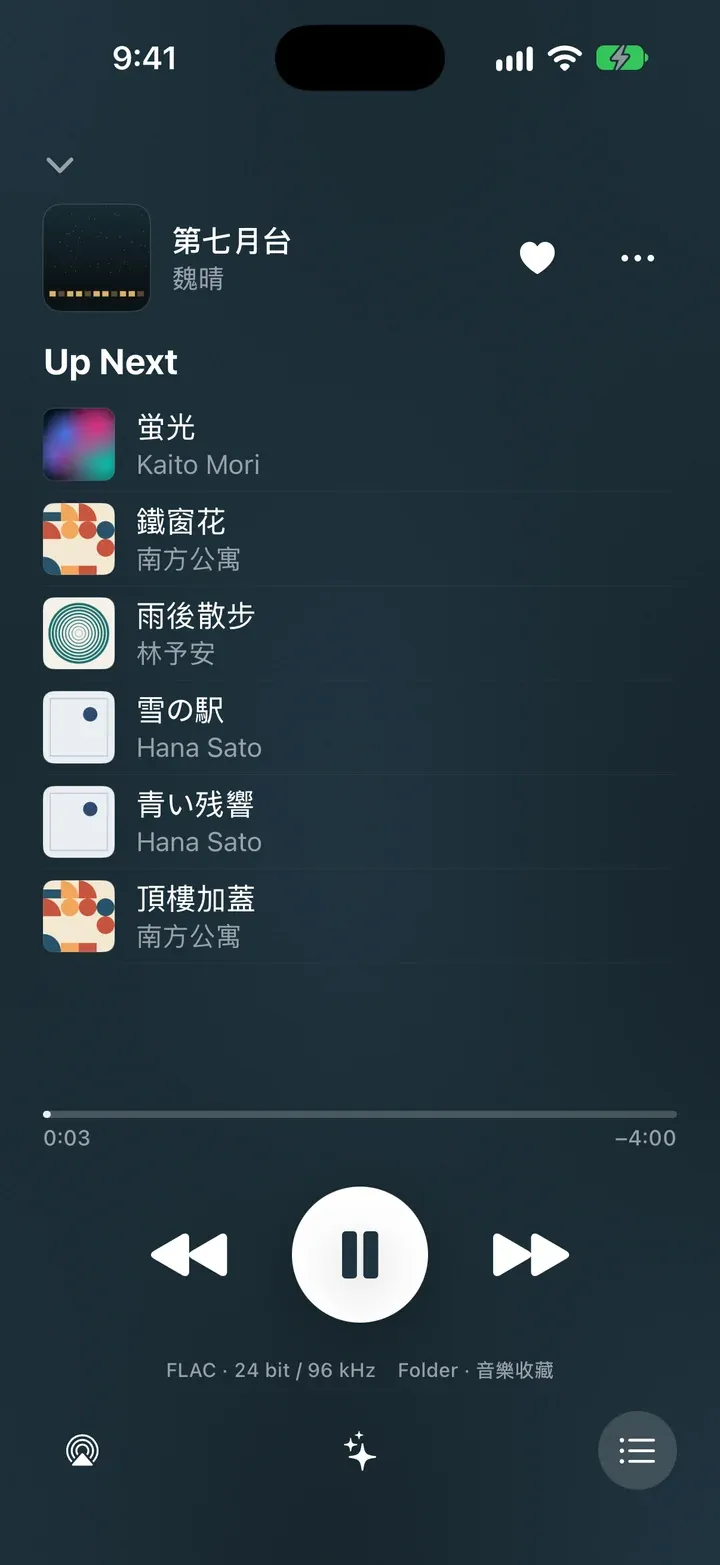
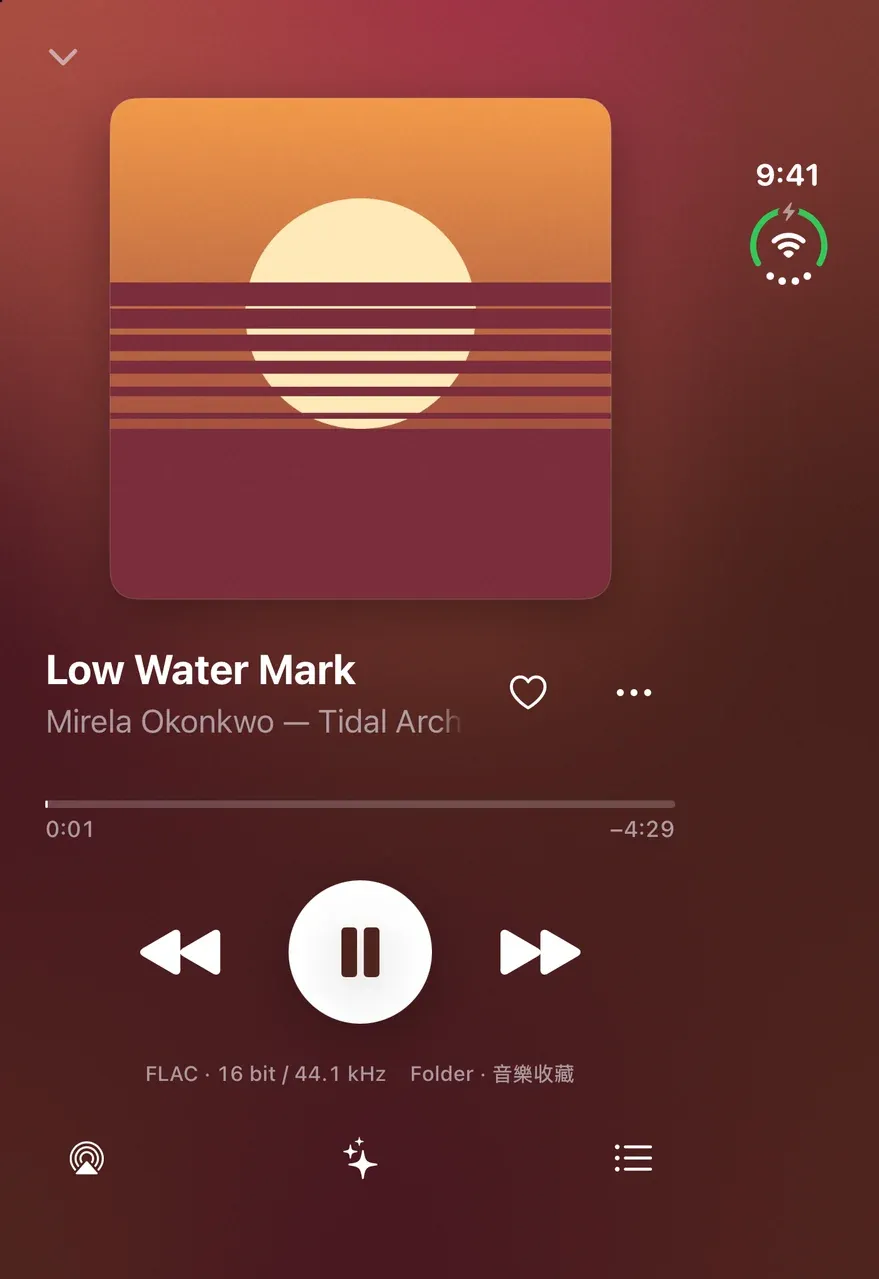
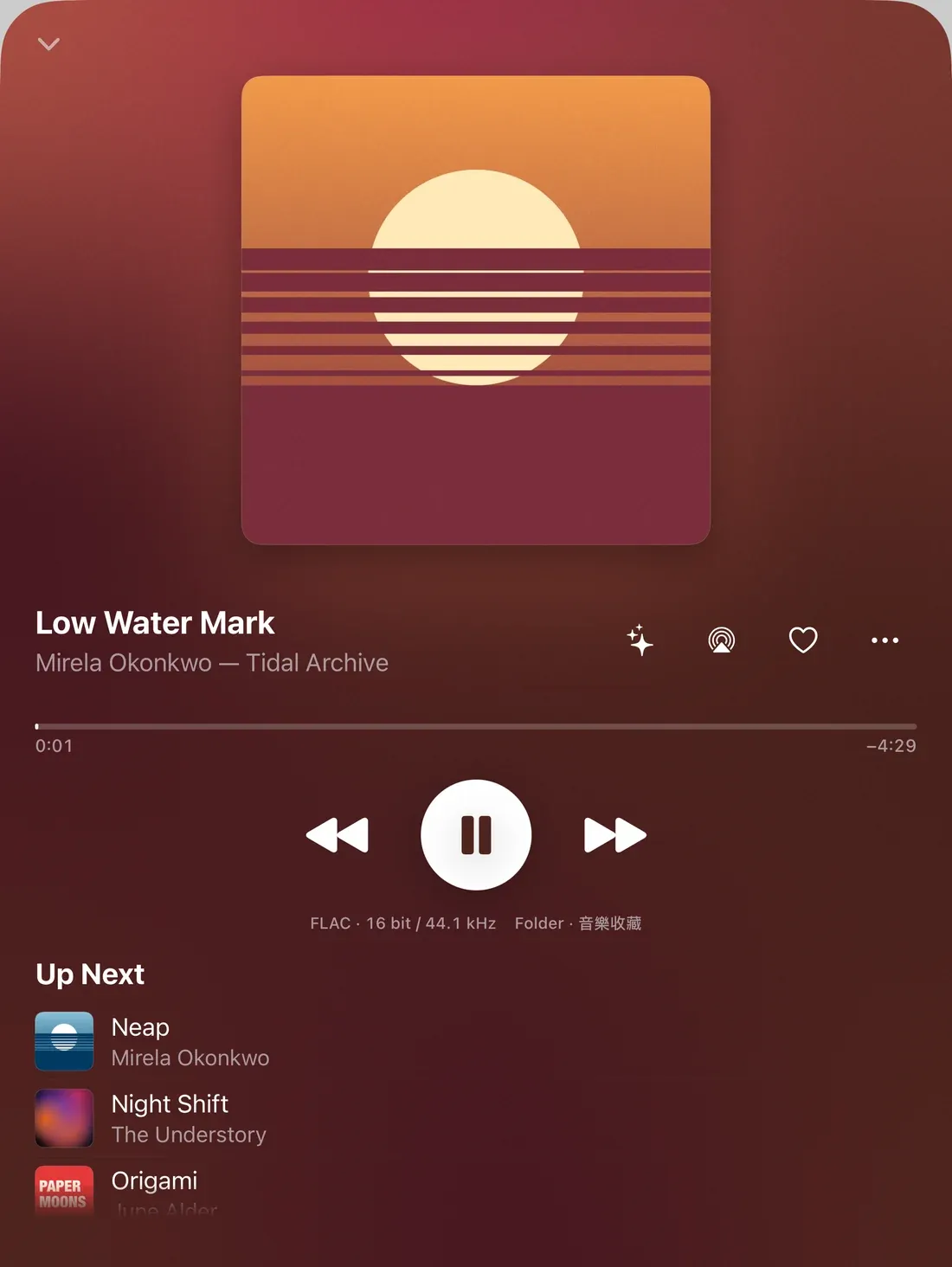
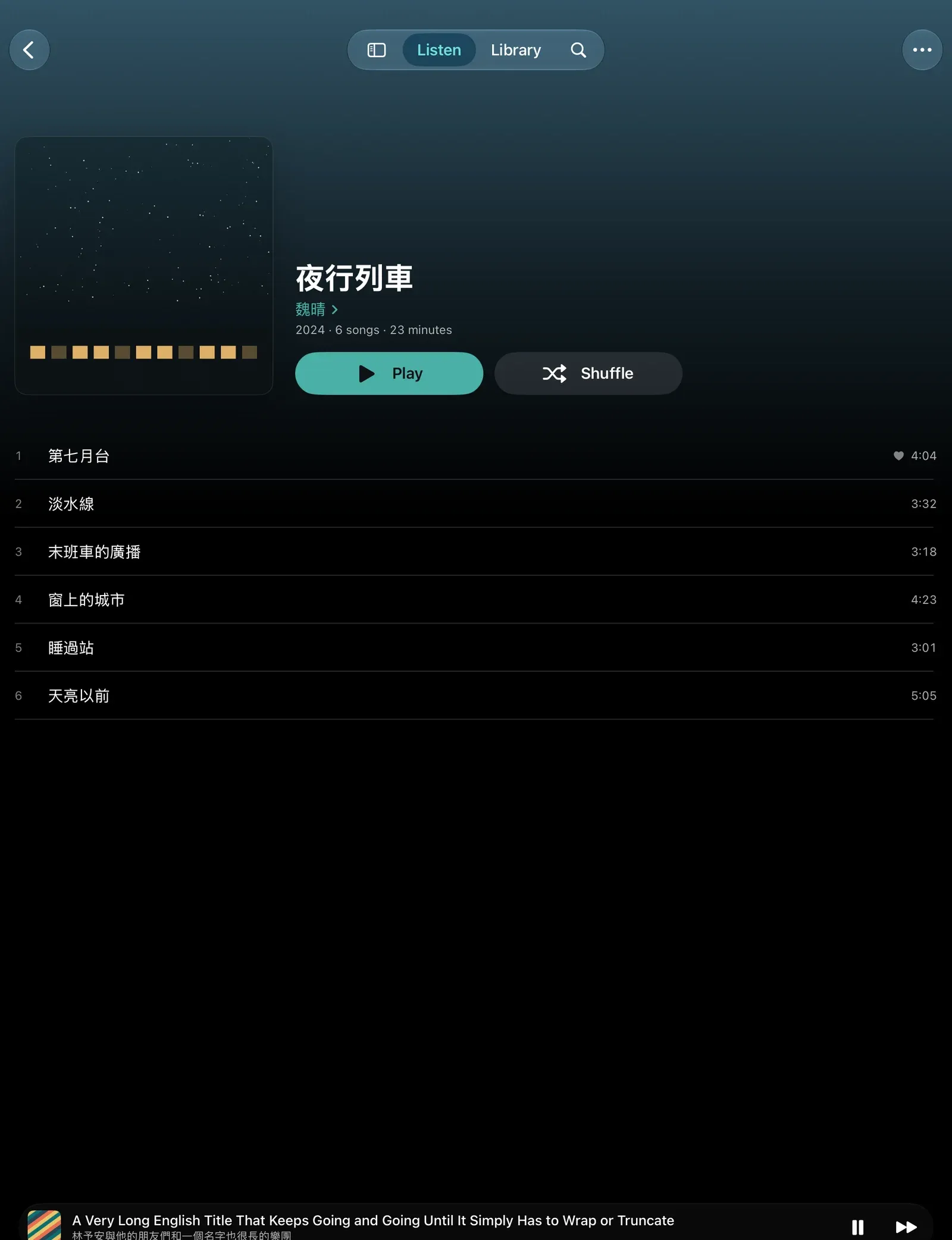
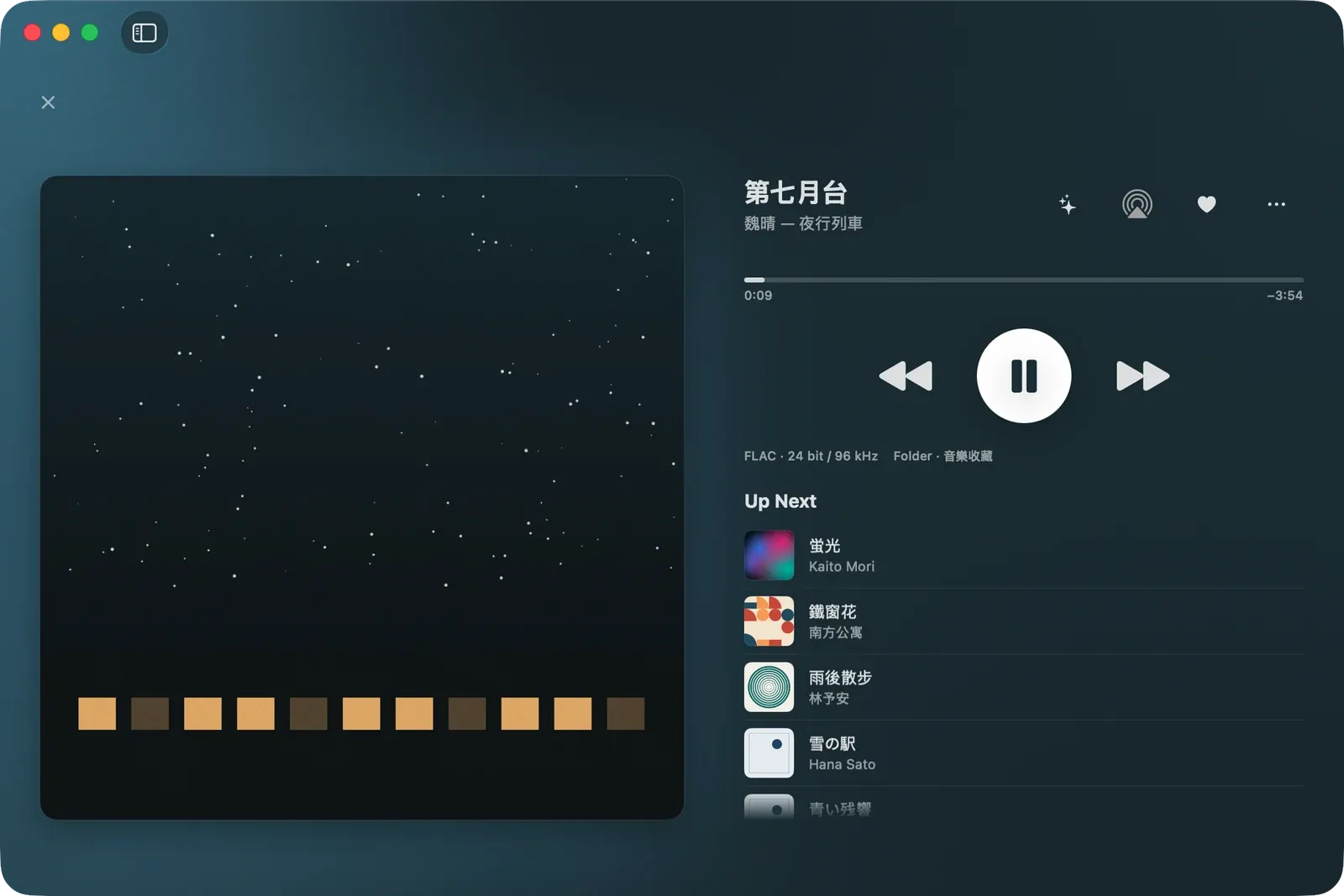
Bring your music. Leave it where it is.
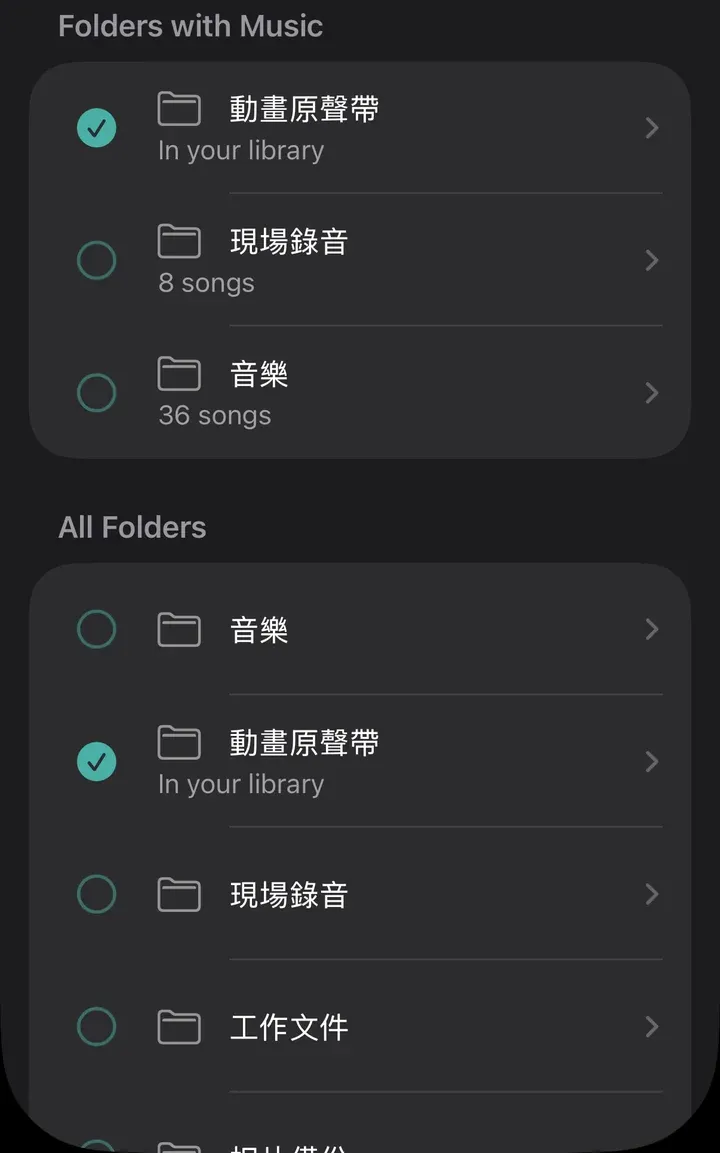
Connect Google Drive and choose the folders where you keep your music. Folders that hold music are listed first, and subfolders come along.
Or pick a folder in the Files app, on your device or in iCloud Drive. On Mac, choose a folder on your Mac.
- Formats
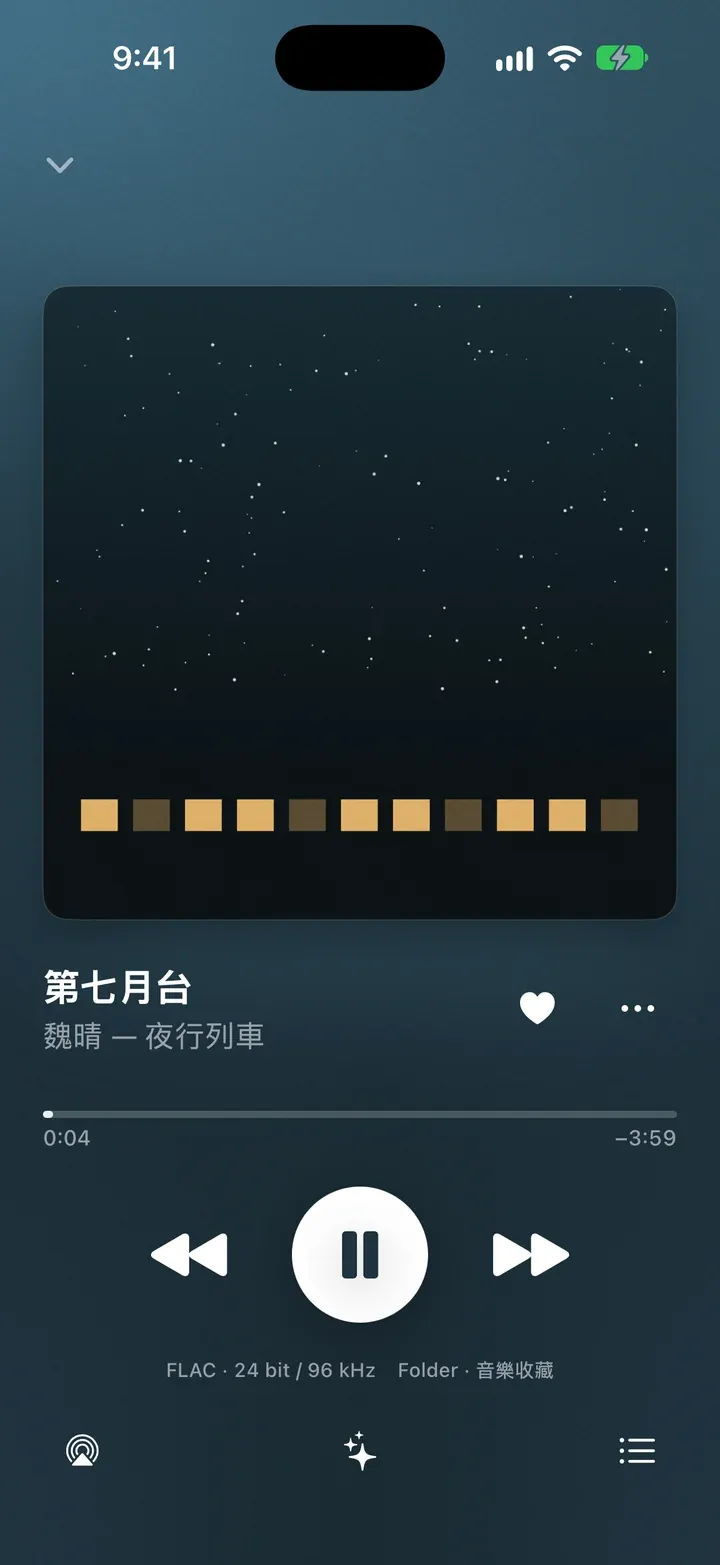
- MP3, M4A, FLAC and WAV
- Your files
- Timelessness doesn’t rename, move or delete the music in your Google Drive folders.